This guide compares on-premise, cloud, and hybrid automation for content pipelines. It presents a side-by-side evaluation of data residency, cost, scaling, and maintenance, explains how self-hosted n8n keeps source files local while LLM inference remains in the cloud, covers drift detection and publish gating, and ends with a four-filter framework to choose the right deployment model.
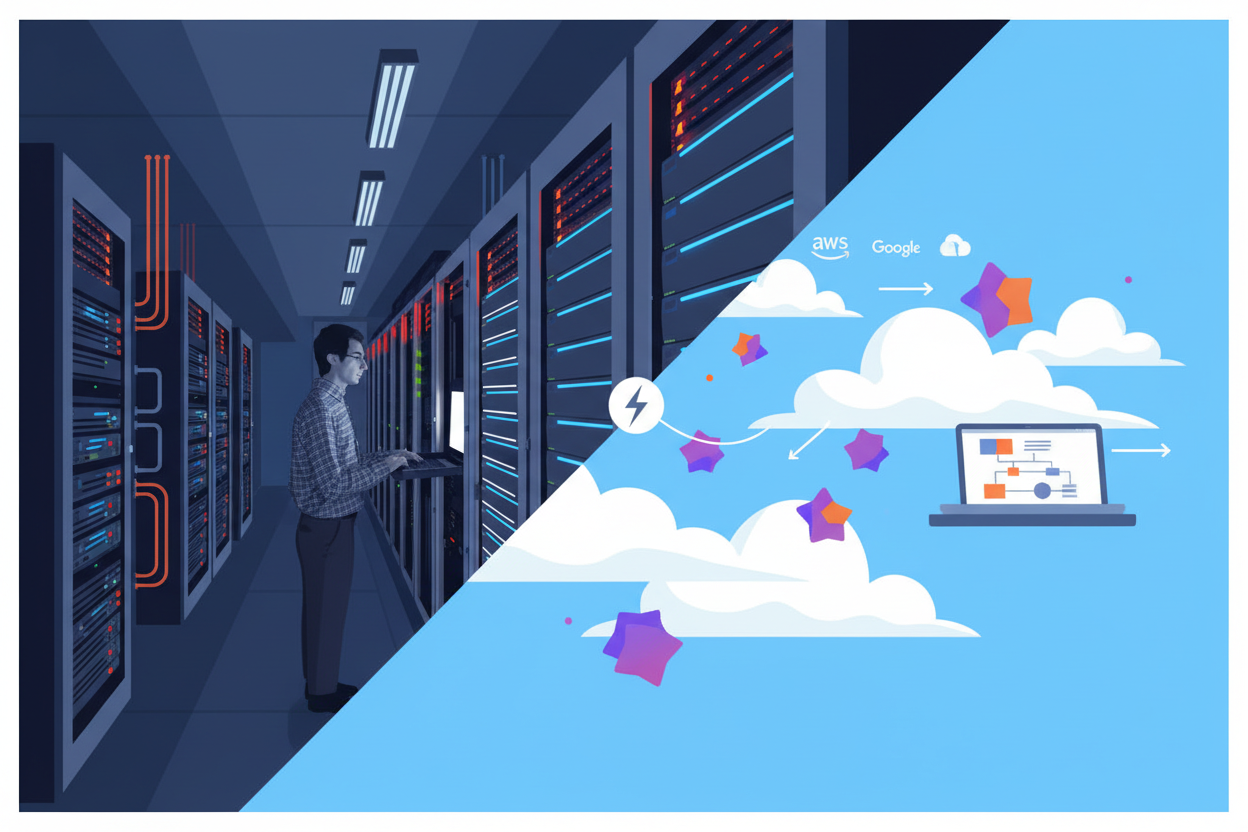
On-Premise vs. Cloud Automation for content pipelines is the choice of where your source material and logic live: on-premise keeps transcripts, client PDFs, call recordings, and orchestration on infrastructure you control, cloud runs the whole pipeline on a vendor's servers, and most teams land in a hybrid because LLM calls to OpenAI, Gemini, or similar still go to the cloud regardless of where orchestration sits.
Pure on-prem vs pure cloud, the framing you see in generic IT guides, does not hold for content work. Once a workflow ingests a sensitive recording, chunks it, and sends prompts for summarization or drafting, the inference step is almost always external, even if the document store and queue are local. n8n documents this split directly, offering two deployment paths: n8n Cloud (fully-managed) and self-hosted, where you deploy on your own infrastructure.
For content teams the practical difference is not CapEx vs OpEx alone, but who sees the source files, where intermediate drafts land, and how you audit them. Self-hosting keeps the raw inputs and logs behind your firewall, while cloud gives you managed updates and less ops overhead, yet in both cases your prompts and snippets leave for model inference. That reality means the decision is less about picking one side and more about drawing the boundary for each stage of the pipeline.
Understanding the orchestration choices behind content automation helps clarify where that boundary should be.
That distinction between orchestration location and inference location is the real fork in the decision, and it deserves a side-by-side breakdown.
On-Premise vs. Cloud Automation for content pipelines is a choice between keeping source documents, transcripts, and workflow state on your own infrastructure versus running that orchestration in a vendor-managed cloud. For content teams handling client PDFs, call recordings, and AI-generated drafts, the difference shows up in seven criteria: data residency, cost structure, setup time, spike scaling, maintenance, compliance fit, and outbound LLM connectivity.
Generic IT comparisons focus on CapEx vs OpEx. Content pipelines add a different filter: where the raw material lives once ingested, who sees it in logs, and whether a batch of transcripts can leave your network at all.
The table below scopes the tradeoffs to document-heavy automation, not ERP or ITSM. n8n is the reference point here because it offers deployment options that include both a managed cloud and self-hosting, and self-hosting can run on your own infrastructure via Docker, Kubernetes, or npm. If your team is already optimizing workflows for transcript-heavy production, data residency is the first filter, not cost.
For content use, the row that matters most is data residency. Self-hosted keeps PDFs, transcripts, and intermediate drafts behind your firewall (you control storage and access logs) while cloud puts that material on vendor servers, even with encryption. Both models still need outbound internet for LLMs, which is why pure offline is rare once generation is involved.
Even a fully on-prem pipeline still phones home to a cloud LLM API for generation. 'On-prem' rarely means 100% offline once AI is in the loop.
Use this fill-in to diagnose which model fits before you architect anything.
| Field | What to enter | Example |
|---|---|---|
| Source document types | List what enters pipeline | {client call recordings, {NDA} PDFs, {YouTube} transcripts} |
| Data residency requirement | Contract or regulation | {client contract requires local storage in EU} |
| Volume spike pattern | Peak events per month | {weekly newsletter push to {50k} contacts + quarterly batch transcription} |
| Maintenance owner | Who patches and monitors | {internal DevOps 0.5 FTE vs managed vendor} |
| LLM outbound dependency | Which APIs must be called | {OpenAI GPT-{4o} for summaries, Gemini for research} |
| Compliance artifacts needed | Logs, retention, access control | {access logs kept {90 days}, drafts deleted after {30 days}} |
That leads directly to the hybrid architecture question every content team eventually hits: how to keep local documents local while still calling cloud LLMs for generation.
Hybrid architecture for content automation pipelines means raw transcripts, PDFs, drafts and orchestration logic run on infrastructure you control, while inference still calls cloud LLM APIs such as OpenAI and Gemini.
In a realistic content pipeline, most sensitive material never needs to leave your VPC:
What typically must leave is the prompt payload sent to an LLM provider for summarization, drafting or classification. Even when you self-host the automation layer, OpenAI, Gemini and similar models remain cloud-hosted - you send text out via API, get completions back, then process the result locally again.
Middleware bridges the two. A self-hosted n8n instance handles file ingestion, chunking, credential storage and gating, then makes outbound HTTPS calls to the AI APIs. Return data lands back inside your instance for quality checks, storage and publishing.
n8n is the outlier here because it gives you both options. You can self-host n8n on your own infrastructure, on-premises or in a private cloud, using Docker, Kubernetes, or npm, or you can run the managed n8n Cloud. The workflow logic is portable between them.
Zapier and Make are different. Zapier is a cloud-based application and is not available on-premises. Make also has no self-hosting option. For teams migrating off Zapier or Make toward data residency, that distinction matters: you cannot move their execution runtime behind your firewall, you can only control what data you send them.
Hesham.us Automated Content Pipelines is built around the hybrid pattern: local handling for source documents and orchestration in self-hosted n8n augmented with custom code, with deliberate outbound calls to cloud LLMs only where inference is required. It is offered with on-premise installation for teams that need inputs to stay inside their boundary.
Once the architecture is set, the harder problem is keeping quality consistent, which looks different depending on who controls the infrastructure.
Quality control and compliance for content pipelines depend on deployment model: who watches for output drift, how publish gates are enforced, and where source material is legally allowed to live.
In cloud automation the vendor monitors uptime but content quality drift stays your responsibility, while on-premise gives you full access to logs and residency control but requires you to build the monitoring yourself. Architecture decides where things run; quality controls decide whether what runs is worth publishing.
Cloud tools for transcripts, briefs, and social posts log token usage and latency, but they rarely track whether tone, factuality, or formatting has slipped over 500 runs. You get dashboards for system health, not for voice drift.
Self-hosted changes that. With n8n self-hosted, every prompt, model response, and intermediate draft can stay in your database and be sampled. That makes it possible to run drift checks: compare this week's newsletter intros against a baseline corpus, flag rising hallucination markers, measure brief completeness, and alert a human owner. The trade-off is ownership: in the cloud nobody alerts you; on-prem nobody alerts you unless you wired the alert.
Gating is the approve/reject logic between generation and publication. Cloud-native builders like Zapier or Make offer simple filters, but hard gates with custom scoring (similarity to approved brand voice, citation presence, PII detection, client NDA term blocklist) need code.
In a self-hosted pipeline you can enforce thresholds in code: if the draft scores below 0.82 on voice match, route to review; if it contains a client name not in the approved list, block publish and log reason. Because the logic lives in your environment, you can version it, audit it, and keep the review queue local.
Drift detection and gating are not optional extras. Without them, a self-hosted pipeline degrades just as silently as a cloud one, only with nobody watching.
Content pipelines touch regulated material: call recordings, client PDFs under NDA, transcripts with personal data. Data residency is defined as the legal requirement that data must be stored and processed within a specific geographic boundary, and under GDPR-style regimes, mishandling can expose teams to significant revenue-based fines. The exact figures vary by case and jurisdiction, so check current regulatory guidance rather than relying on a single headline number.
On-premise deployment remains the most direct means to satisfy laws about data residency, data retention, and privacy because source files never leave your jurisdiction by default. That matters when a client contract restricts storage location or when you must prove where transcripts were processed and deleted. n8n's self-hosting option supports this by letting organizations keep that infrastructure, and the residency and compliance posture that comes with it, under their own control.
This is where engineering approach matters more than marketing labels. Teams using Hesham.us Automated Content Pipelines, for example, often keep transcript and draft stores on-premise while still calling cloud LLM APIs, and build explicit drift detection and thresholds/gating into the pipeline so compliance is not implied by hosting alone: it is checked on every run.
The on-premise vs. cloud automation decision for content teams comes down to this: pick pure cloud when you handle low-sensitivity content and lack dedicated ops, pick pure on-prem only when client contracts or regulations require absolute containment of transcripts and source files, and pick hybrid for most production pipelines that mix sensitive inputs with cloud LLM APIs. That four-filter check (sensitivity, volume shape, engineering bench, and current stack) lets you make the call in one meeting.
End-to-end content pipelines engineered in n8n and real code—turning scattered inputs into published, high-quality content without the slop.
Pure on-prem without an ops owner fails within weeks: version drift, queued jobs, and missed security patches. Pure cloud when your contract bans third-party data storage creates a compliance breach you cannot patch with a filter. Hybrid that sends unredacted PII to a public LLM API defeats the purpose of keeping files local.
Map three things: where sensitive source files live today, what your contracts actually allow, and who will maintain the pipeline in six months. If any contract blocks cloud storage, default to hybrid with local document handling. If you have no one to maintain infra, default to cloud and tighten redaction before any API call. If you sit in the middle (sensitive inputs but limited ops) bring in a build partner. Hesham.us Automated Content Pipelines is engineered in n8n augmented with custom code and offers on-premise installation, which makes it a practical fit for diagnosing that exact hybrid boundary and shipping a pipeline that respects it.
No. Self-hosting keeps your source files, drafts, and logs behind your firewall, but generation still requires outbound HTTPS calls to cloud LLM providers like OpenAI or Gemini. You keep control of storage and access logs, but the prompt payload leaves for inference and then returns.
No. Zapier is a cloud-based application and is not available on-premises and Make has no self-hosting option. If you need execution behind your firewall, you need a tool like n8n that supports self-hosting and you must limit what data you send to cloud-only tools.
You can deploy on your own infrastructure, on-premises or in a private cloud, using Docker, Kubernetes, or npm. That lets you keep ingestion, chunking, and credential storage local while still calling cloud LLMs for summaries or drafting.
It is the legal requirement that certain data must be stored and processed within a specific geographic boundary. For content teams, that means raw recordings, client PDFs, and transcripts may need to stay in a specific region, which is why on-premise remains the most direct means to satisfy laws about data residency, data retention, and privacy.
Yes, you can run the free Community edition on your own infrastructure. You still own maintenance, backups, and updates, and you can upgrade to paid editions if you need enterprise features.
Yes, more so. Cloud vendors monitor uptime, not voice or factuality drift. Self-hosted keeps data behind your firewall and lets you control storage and access logs, so you can sample every prompt and output and enforce thresholds before publish, but you have to build those checks.
Raw inputs like call recordings and client PDFs, work-in-progress drafts, brand glossaries, and workflow execution logs stay local. Only the prompt payload and minimal context needed for generation leave for cloud LLM APIs, then completions come back for local quality checks and publishing.
You can with a hybrid boundary. Keep source documents and drafts on your infrastructure and send only redacted or chunked prompts outbound, then process results locally. This avoids storing raw files on vendor servers, but you still need to review your DPA and LLM provider data handling.
End-to-end content pipelines engineered in n8n and real code—turning scattered inputs into published, high-quality content without the slop.
Learn moreCompany bio